Trouble typing certain characters, such as apostrophes, quotation marks, and backticks, into DaDesktop machine
This frustrating issue surfaces rarely and depends on the type of physical keyboard, the language layout, and the internationalization settings in use.
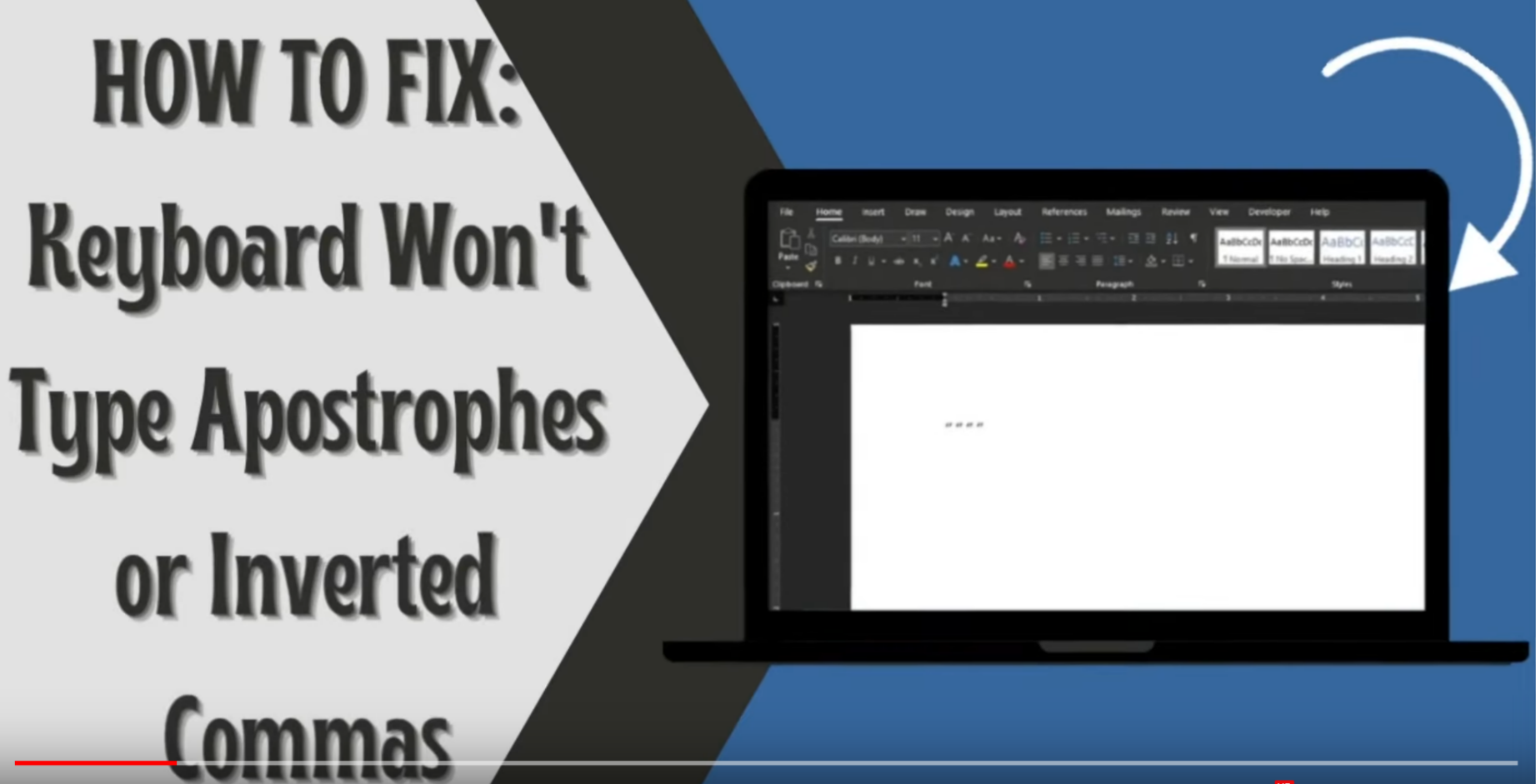
This is a Windows-only concern
You can fix it by following these steps:
- Open the Windows search bar and type 'Settings'.
- Select 'Time & Language'.
- Navigate to the language menu on the left-hand side.
- Under 'Preferred Languages', click your preferred language, then choose 'Options'.
- Next, click 'Add a keyboard' and pick the layout of your keyboard (for example, the US keyboard layout).
- Remove old keyboard layouts by clicking them and selecting 'Remove'.
- Test by typing a single quote ( ' ' ' ), a double quotation mark ( ' " ' ), and a backtick ( ` ).
This video also demonstrates the necessary fix.