Understanding Fresh-Start, Trainer, Participant, and Standalone Machines
DaDesktop is a sophisticated training solution that delivers on-demand cloud desktops for educational courses, along with administrative tools to effortlessly manage those machines for each session.
To make this work, DaDesktop relies on several similar yet distinct desktop machine types tailored to different roles in a course.
The following explains what each type is and how it’s used.
Fresh-Start Machine
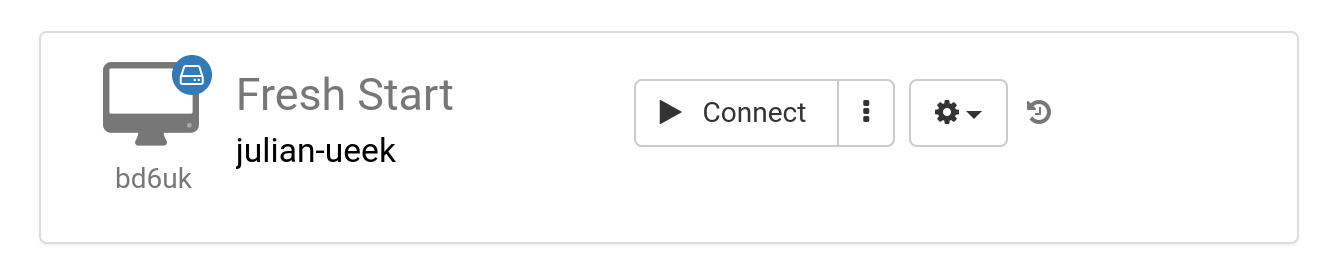
A Fresh-Start machine is the one the Trainer uses to build and refine the course content. Once the content is ready, this machine is duplicated to every Participant’s desktop so they have an identical starting point for the training. You can think of a Fresh-Start as a ‘golden image’—if anything goes wrong on a Trainer’s or Participant’s machine, it can be instantly reset to this pristine state.
Trainer Machine
A Trainer machine is the one the Trainer employs while presenting the course material live to Participants. As the course progresses, this machine evolves from the Fresh-Start baseline—additional software, libraries, and configurations relevant to the subject are typically installed, set up, and demonstrated by the Trainer.
If more than one Trainer is leading a course, multiple Trainer machines will exist concurrently.

Participant Machine
A Participant machine is assigned to each individual attending the course, giving them a hands-on environment to install software, apply configurations, and complete exercises under the Trainer’s guidance.

Fresh-Start, Trainer and Participant machines are typically removed automatically a short time after the course concludes. Because of that, there is one more kind of machine, not tied to any particular course, that can be kept for as long as you need—the ‘Standalone’.
Standalone Machine
A Standalone machine exists outside the context of a running course. It ‘stands alone’ as an independent environment that can be used before, after, or entirely apart from any course. This type offers the greatest flexibility.

Common reasons for spinning up Standalone desktops include:
- Building training materials that can be reused repeatedly, either outside a specific course or saved for later use.
- Obtaining a flexible machine with a different operating system (Linux, Windows) to safely test ideas or experiment.