Setting Up Your Standalone
-
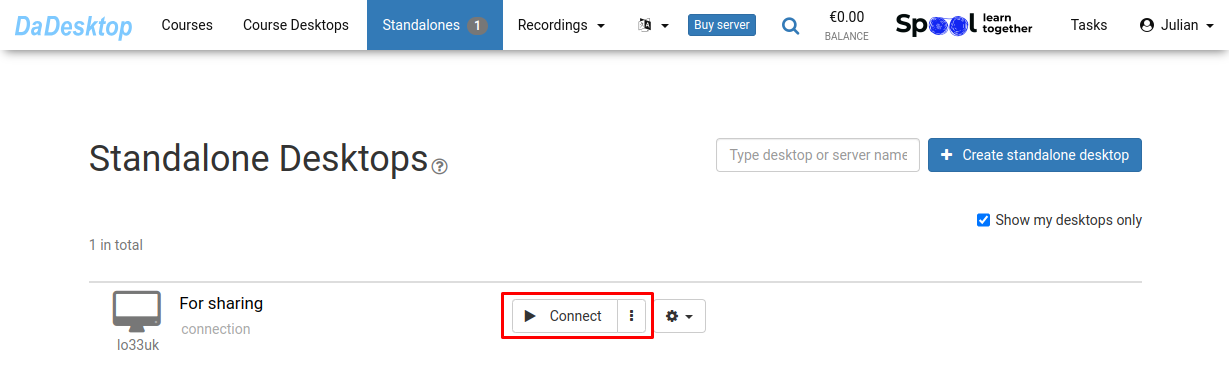
Select the "Connect" option to begin
-
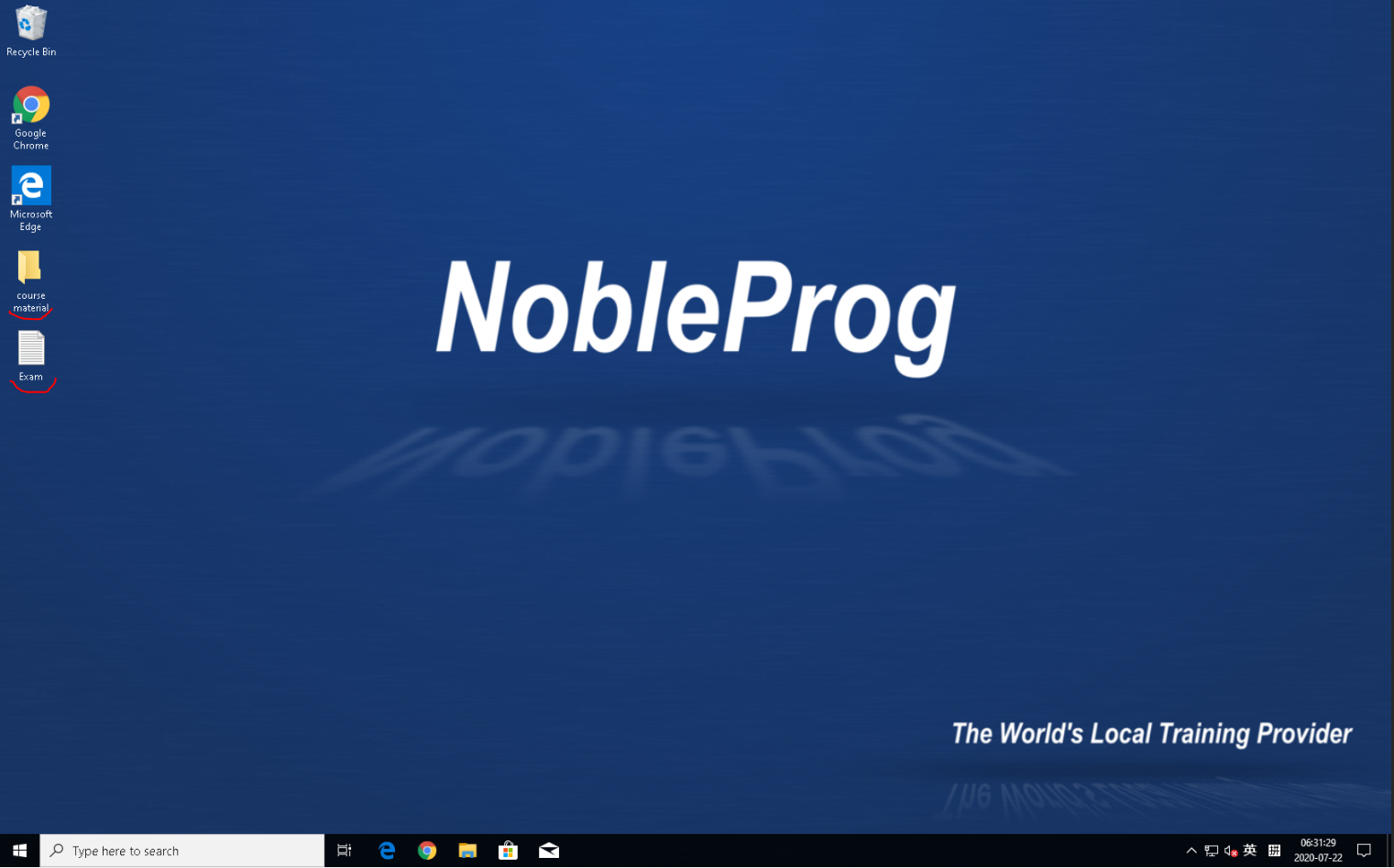
Configure your Standalone by installing the necessary software and adding course materials along with supporting tools
-
We offer a browser-based virtual desktop called DaDesktop, enabling you to prepare courses just as you would on your own personal laptop
-
Prepare the course desktop once, and participants will receive an identical environment when you click "Clone to participants"