Adding Trainer(s) to Your Course
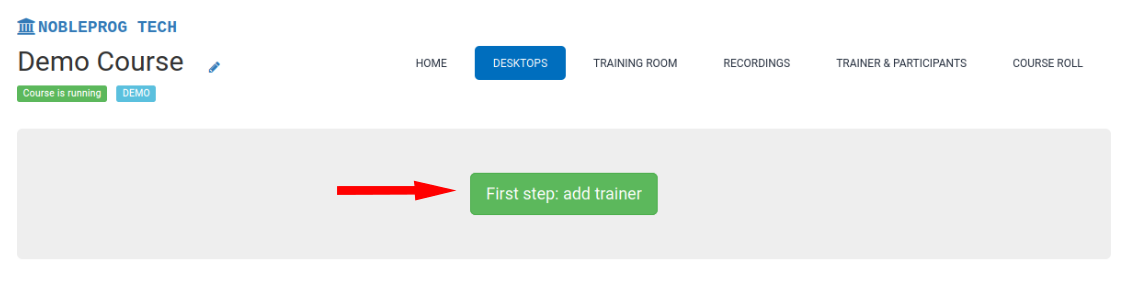
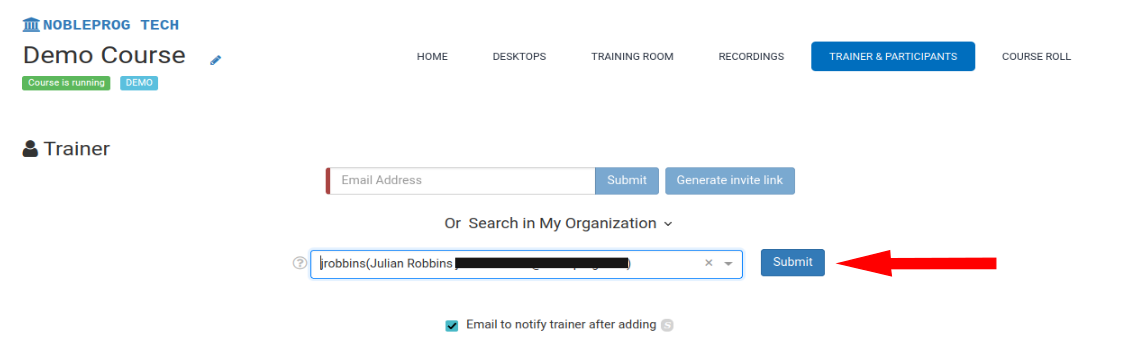
Go to the Desktops tab.
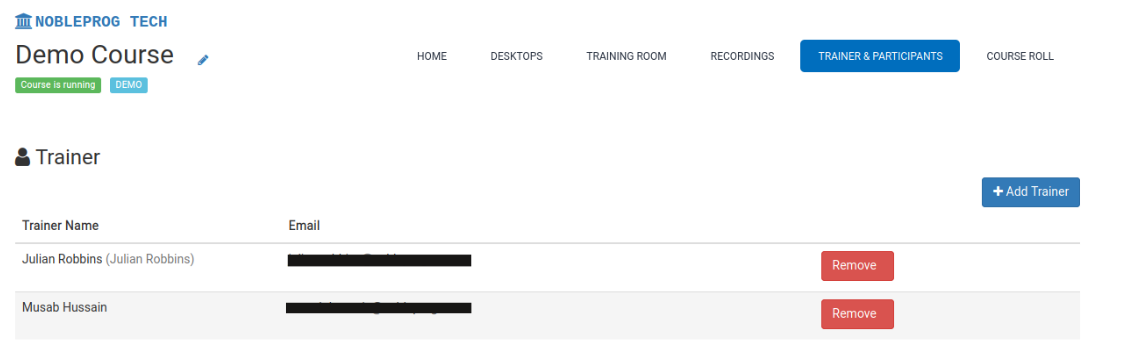
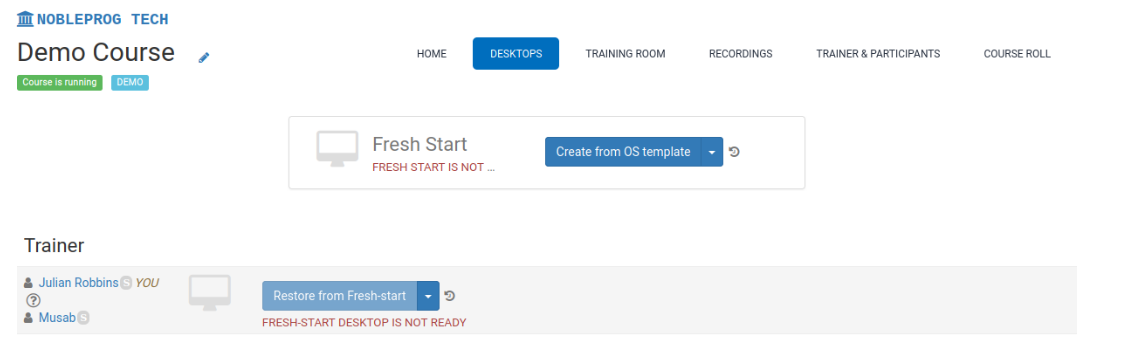
Important: In a multi-trainer setup, every trainer has equal abilities and permissions to configure and manage the course. Additionally, once the course begins, each trainer has access to the same set of controls.