Training Room Recording (Trainer's Desktop View)
As a trainer, you have the ability to record the entire Training Room and capture every participant's desktop. This functionality is handy for revisiting course content or recounting issues students encountered during the session, which can assist with troubleshooting for your own notes or when providing support to the development team.
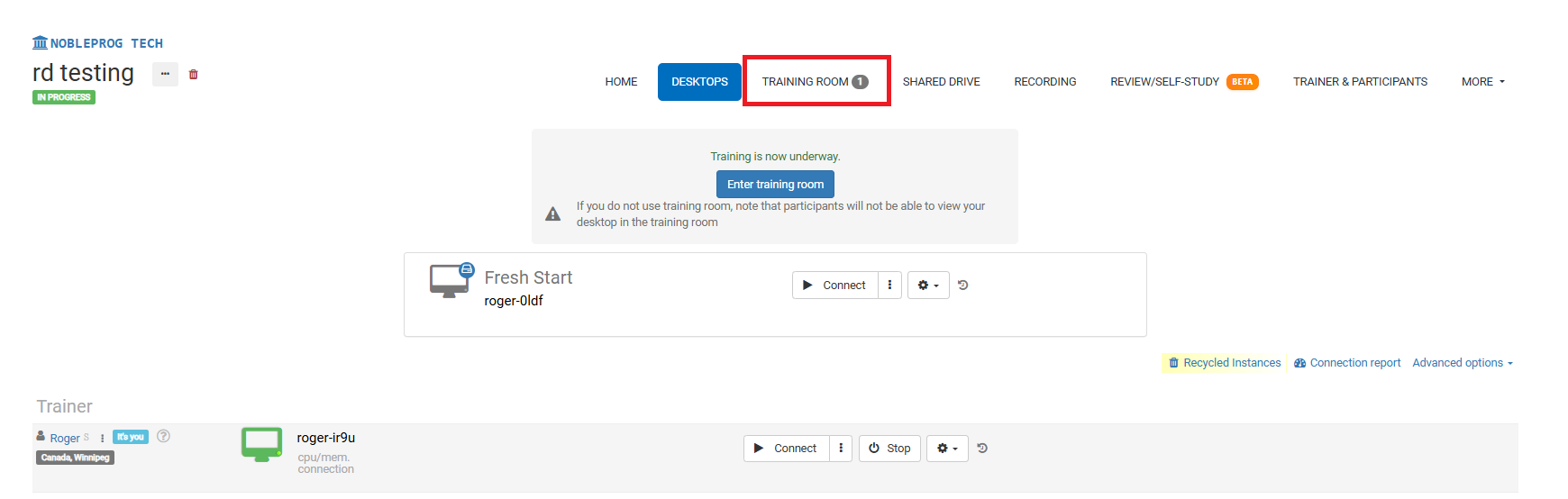
Training Room Display:
The Record Button
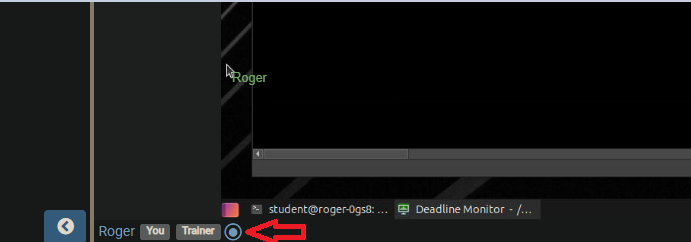
While in the Training Room, find the record button at the bottom, positioned near your name and user tags as illustrated in the following screenshot.
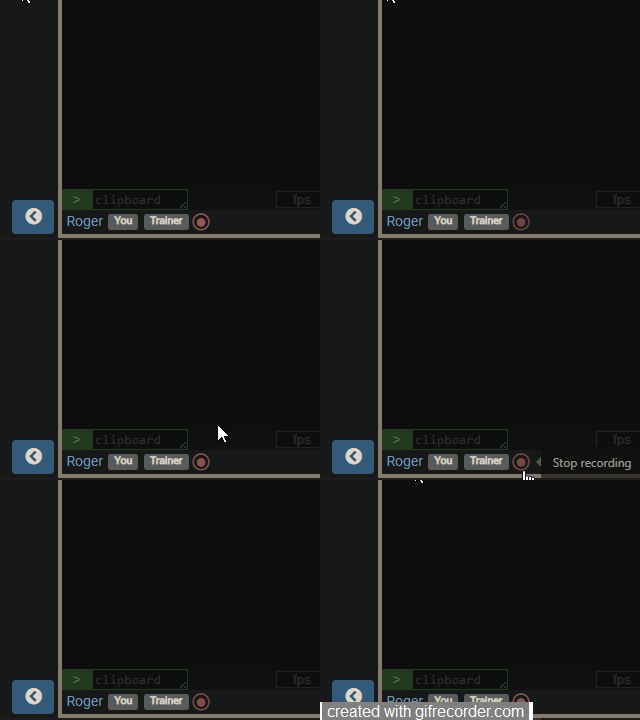
After activating the button, recording begins and the button starts blinking red slowly. To stop recording, simply click the button once more.
Accessing Your Recordings
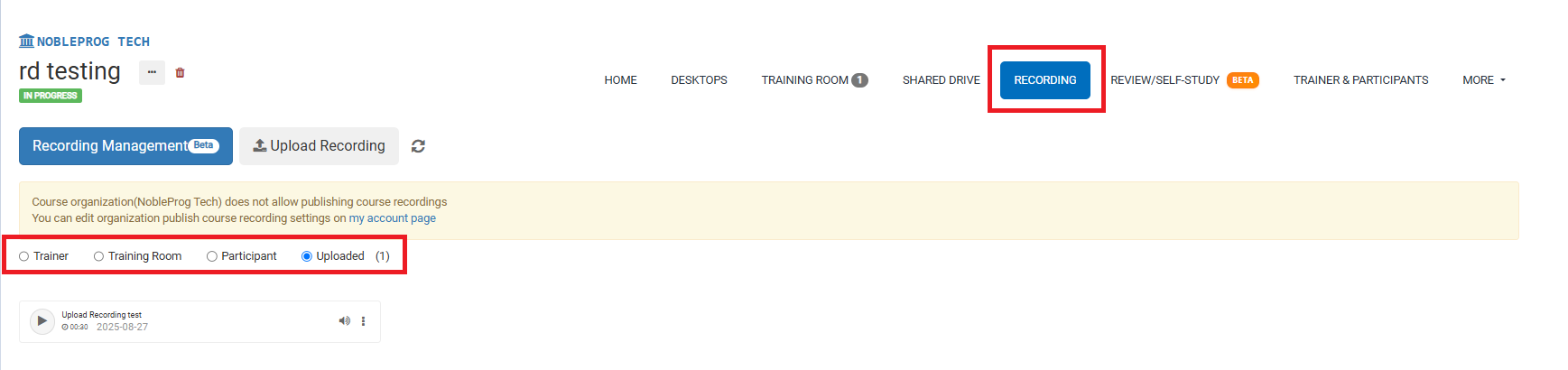
From the course page, you can retrieve all your recordings via the `Recordings` tab. After selecting it, you can choose the type of recording you'd like to view.