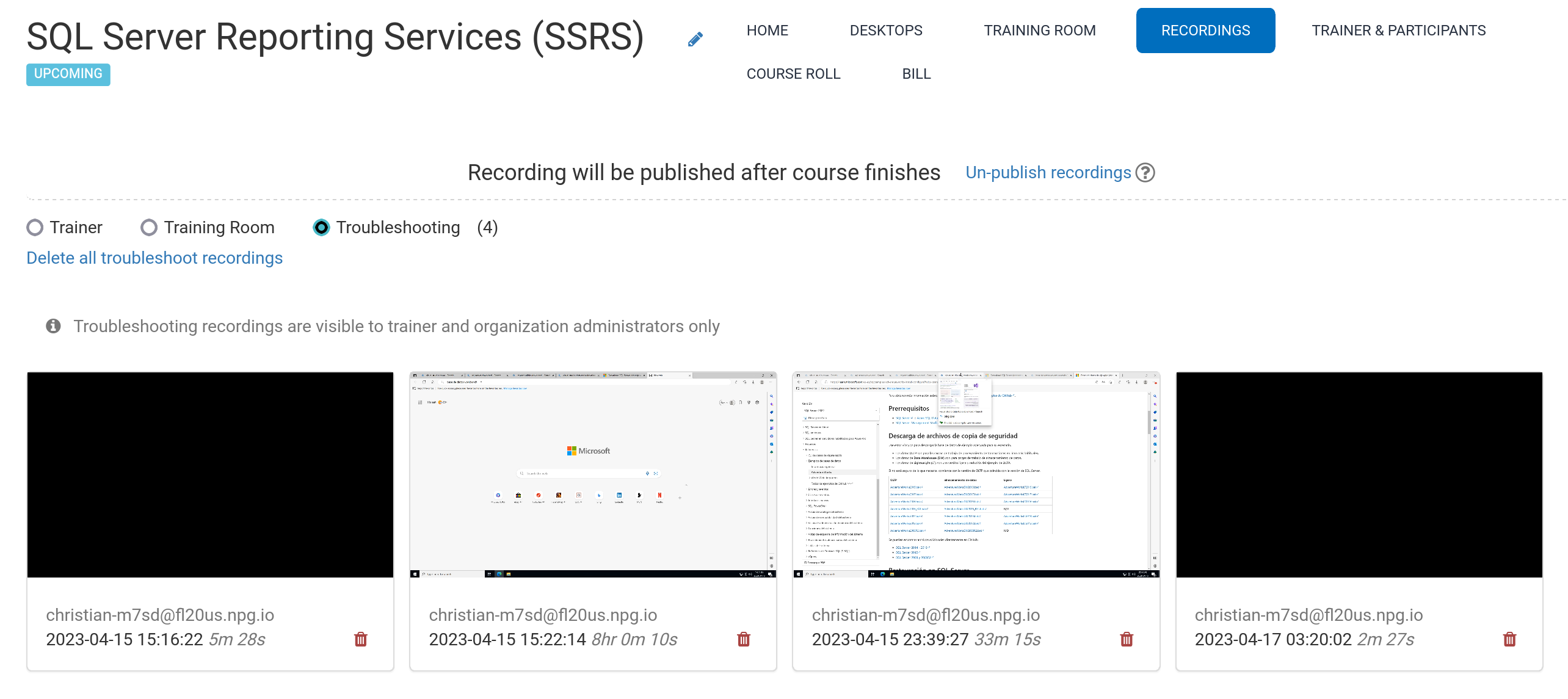
Automated Course Recording (Trainer's Desktop)
During the course, the Trainer's Desktop and Training Room (if utilized) are automatically recorded.
To stop the recording, simply press the red button again.
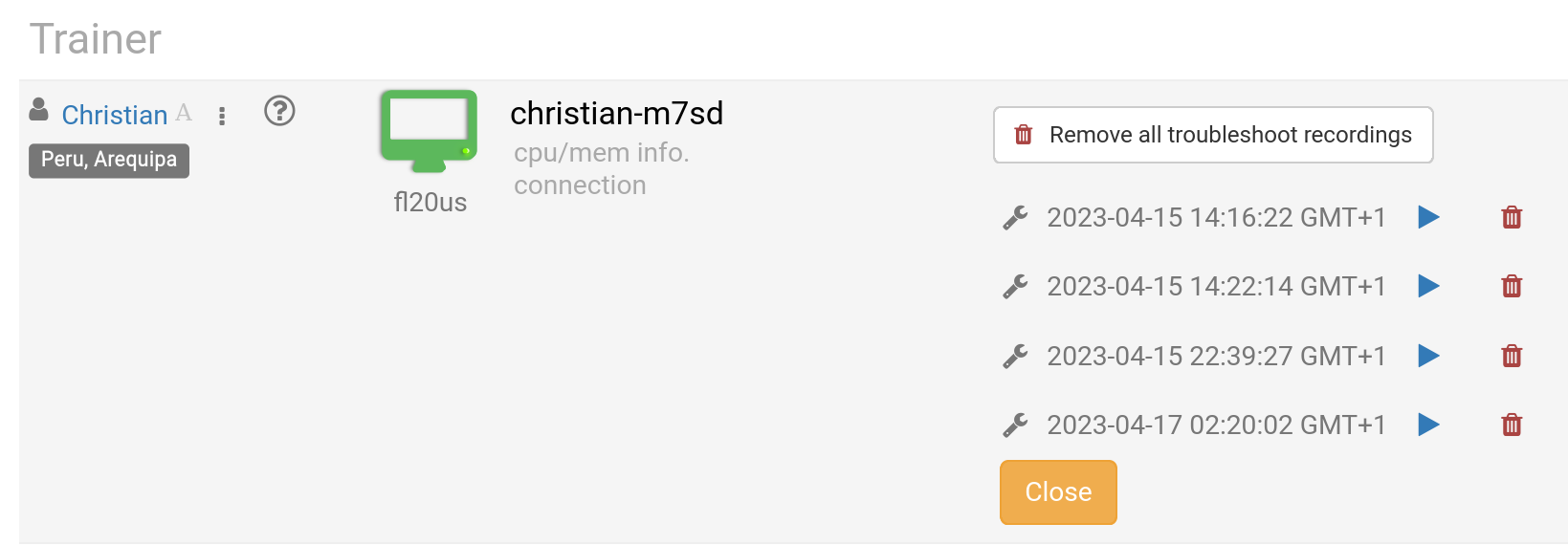
Trainers can delete any recordings as needed. Troubleshooting recordings are also generated automatically during course preparation, but serve only for diagnosing setup issues when necessary.
Access your recordings through the Recordings section, which organizes them into three categories:
- Trainer
- Training Room
- Troubleshooting
Only Trainer and Training Room recordings can be published externally.