Working with Desktop Snapshots
How Desktop Snapshots Are Used
Snapshots enable you to back up your virtual machine and easily restore it when needed.
For instance, before performing a system upgrade that could potentially cause issues, you can power off the virtual machine and capture a snapshot as a safety measure.
Should the upgrade go smoothly, you can delete that snapshot; if it doesn't, you can revert the machine to its prior state.
Snapshots work across all DaDesktop configurations, including Fresh Start, Trainer, Participant, and Standalone machines.
Bear in mind that restoring a snapshot will shut down the machine, after which you can restart it.
How to Create Snapshots
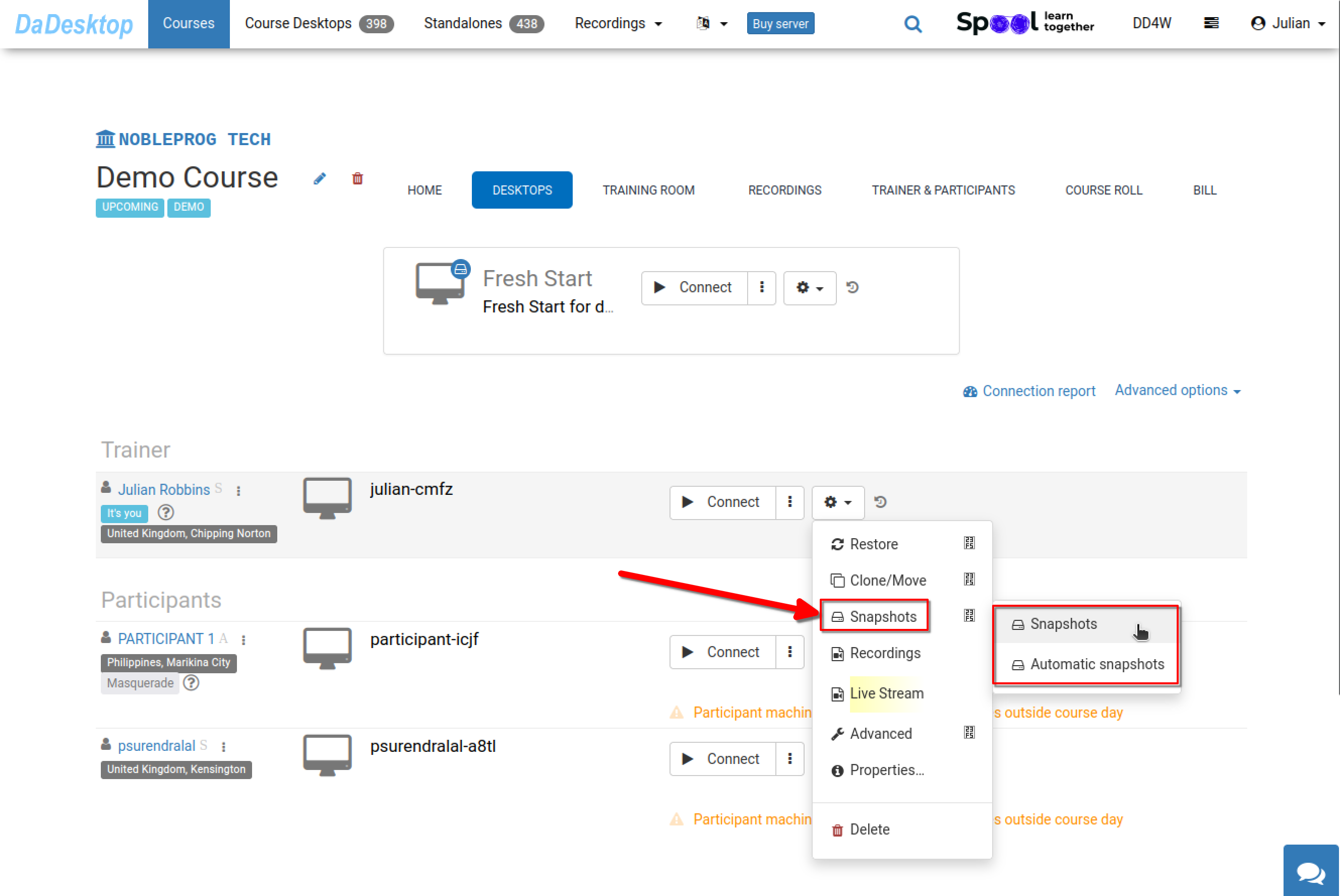
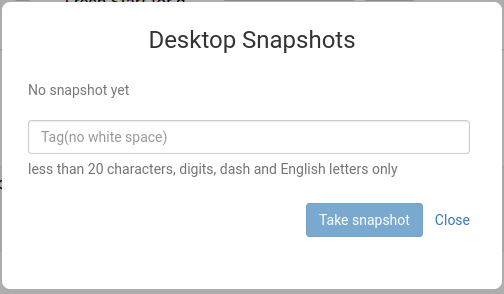
This illustrates the snapshot creation process. Assign a descriptive name to the snapshot so you can identify the exact moment it was captured.
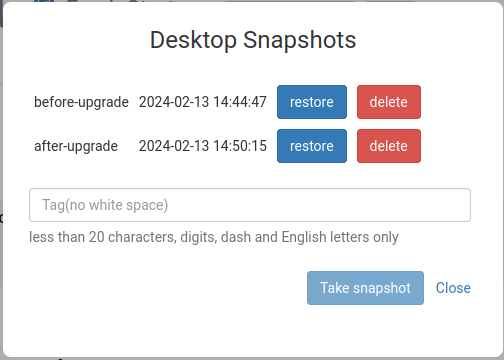
Next, you can observe two snapshots saved at different stages. You can restore or remove them as needed.
Automating Desktop Snapshots
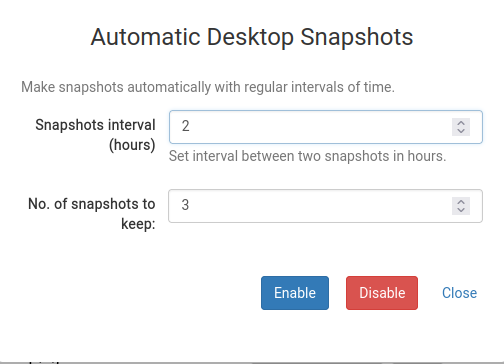
To ensure snapshots are taken regularly without manual intervention, you can set up Automatic Desktop Snapshots.
Here you can specify how many snapshots to retain and the interval at which new ones are captured.