Course Chat
The Course Chat feature enables trainers, participants, and support staff to communicate about the ongoing course. It's integrated within the training room.
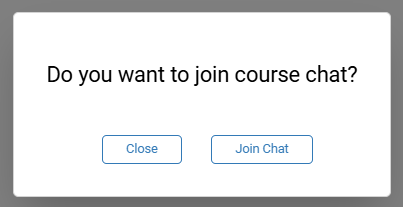
To join the course chat, simply access the training room. Upon entry, you'll be invited to join the chat.
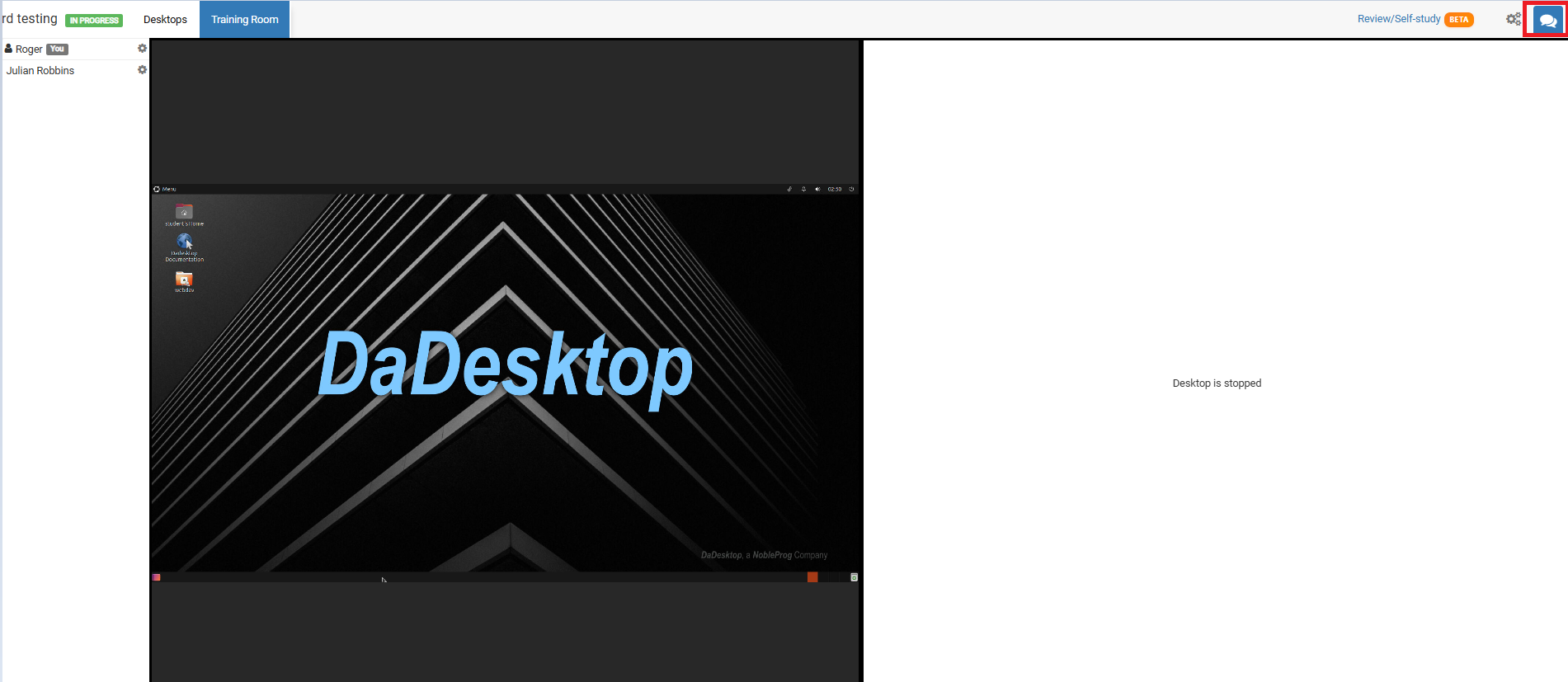
At any other time, you can access it by clicking the chat icon located at the top right corner of the training room.
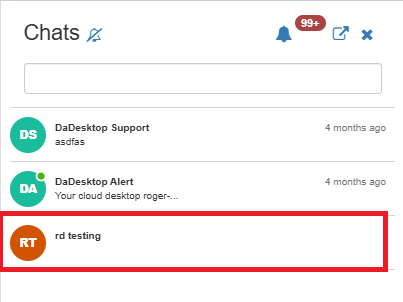
Clicking it will open the chat panel on the left, where your course appears in the list. You can turn on notifications (from the top of the chat interface) to receive an alert sound each time a new message is posted in the course chat.