Bringing Trainers Onboard
DaDesktop enables you to have one or more trainers in its online courses.
There are several ways to assign trainers to a course:
- Sending email invitations to trainers
- Adding existing users from your organization
- Designating any user as a trainer (only available to Super Administrators)
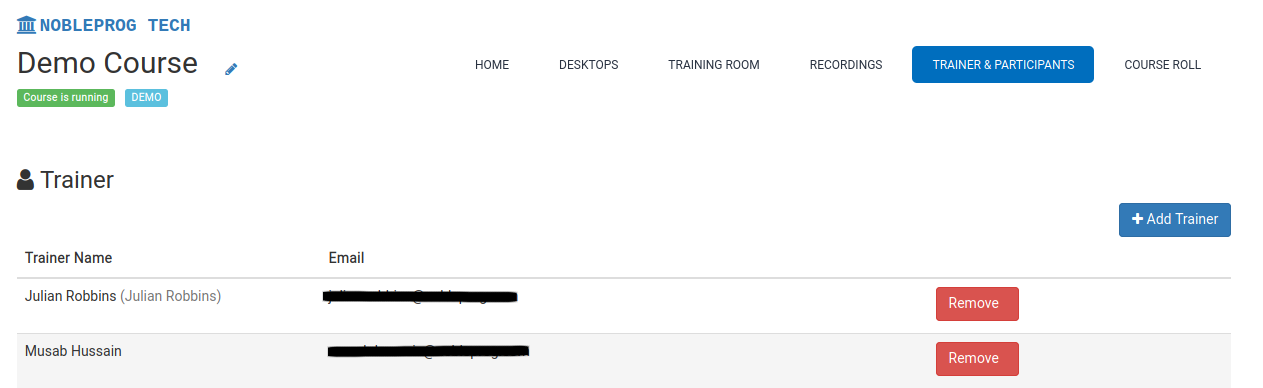
To assign a trainer:
- Open the course you want to manage
- Click on the Trainers & Participants tab