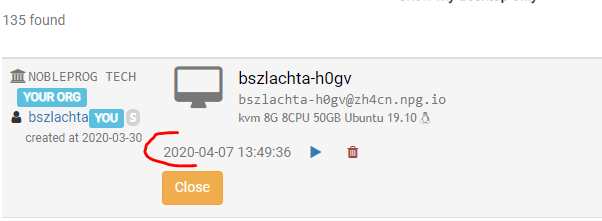
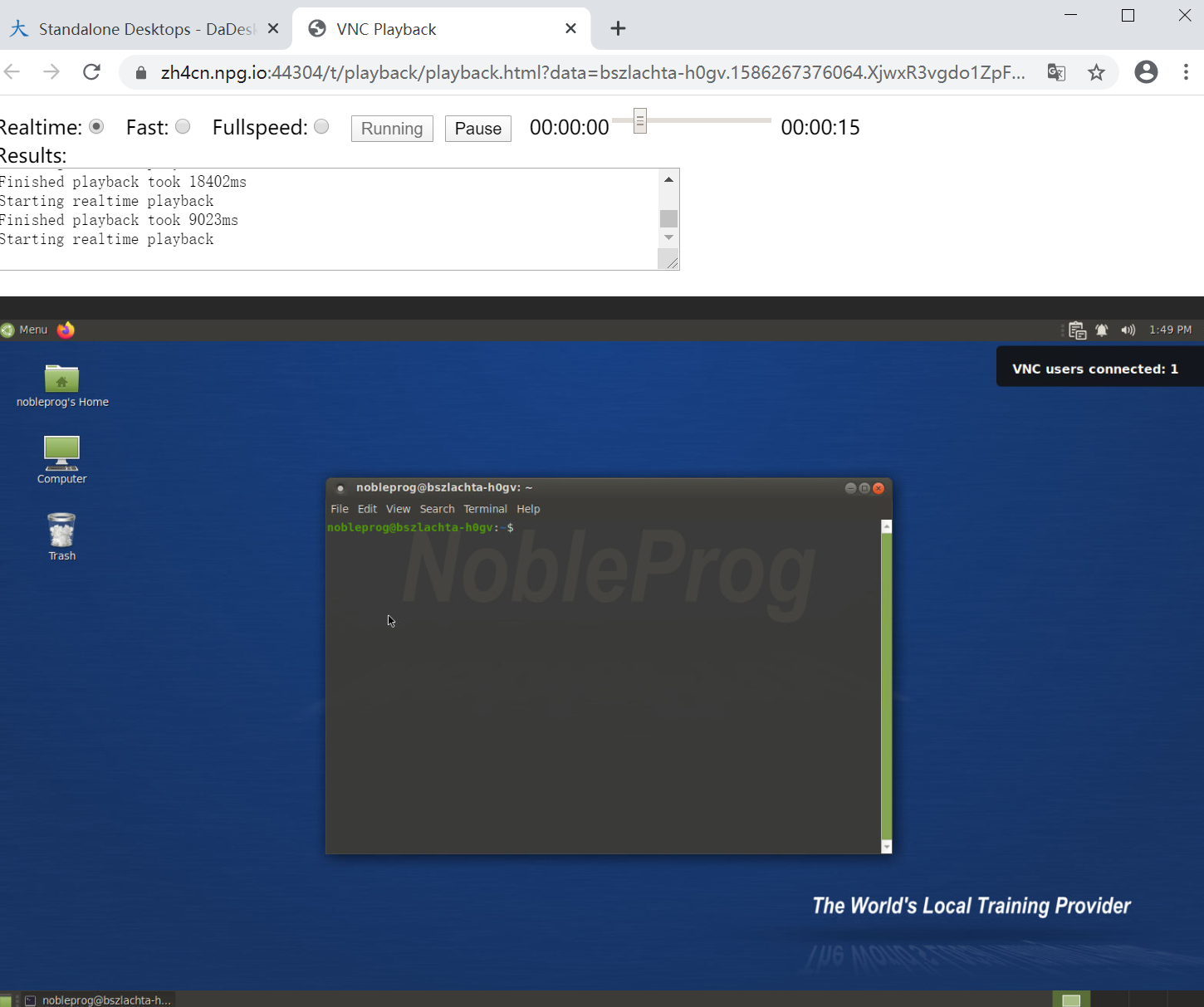
Screen Recording
The screen recording feature enables you to capture and playback every action taken on the machine.
Starting a Recording
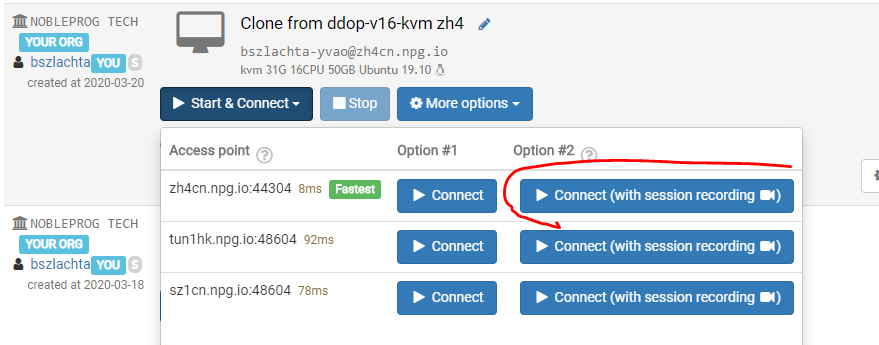
To start recording, click Start&Connect, then choose Connect (with session recording).
To stop recording, simply close the window.
Viewing Recordings for a Specific Machine
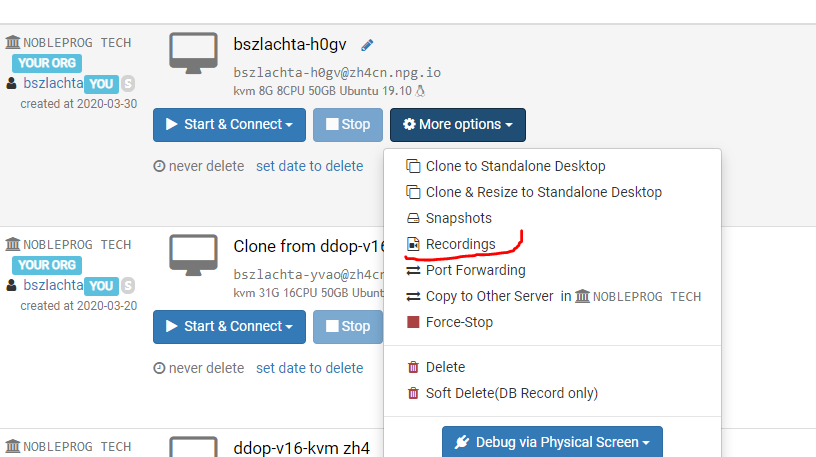
Playing Back Recordings