Server Management
You can add or remove servers from your On-Premise or OEM DaDesktop cloud environment.
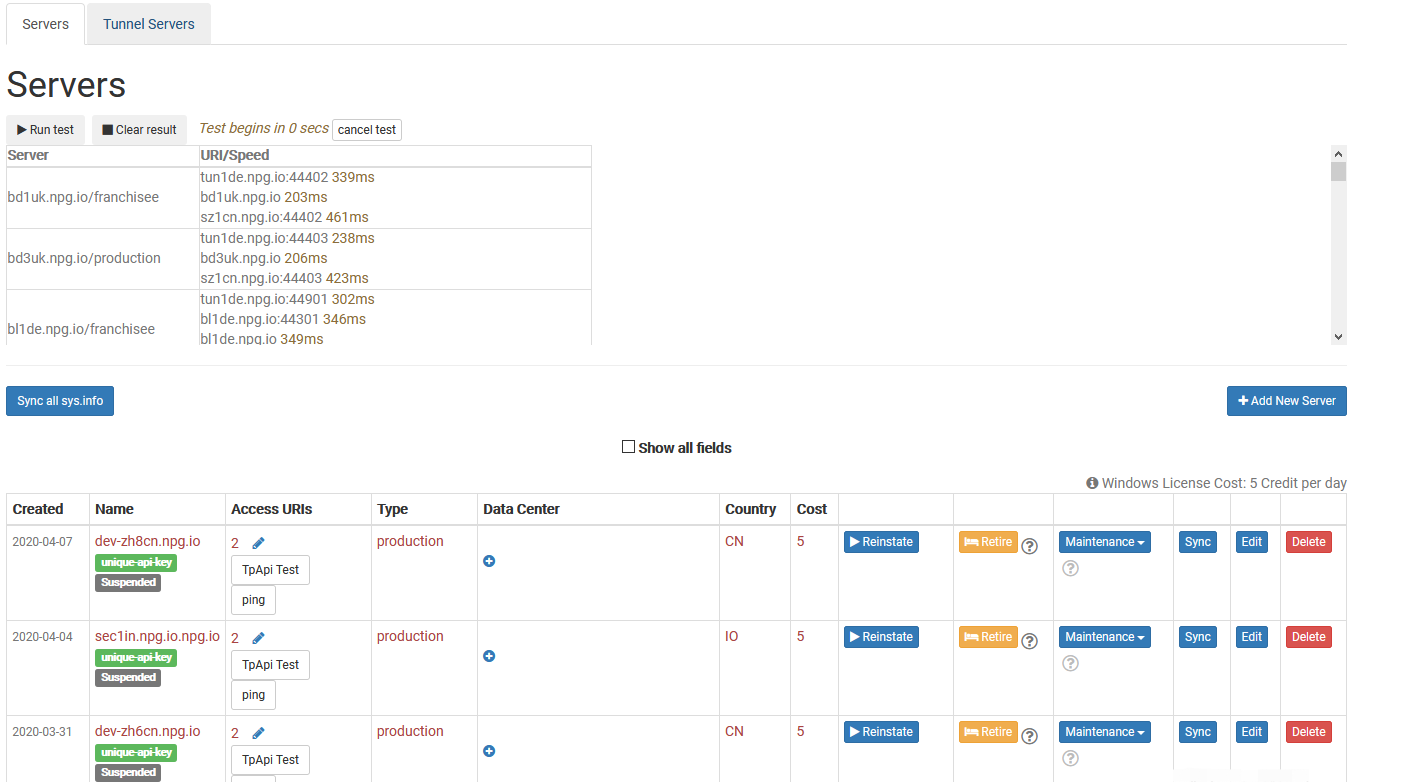
Synchronize All System Data
It examines the CPU, memory, and other aspects of every server, then refreshes the database with the updated details. DaDesktop uses this data to suggest servers to users, prioritizing those with greater resources.
After upgrading hardware, you can sync either all servers or just a single one.
Note that if you have over 1000 servers, this process may take several minutes.
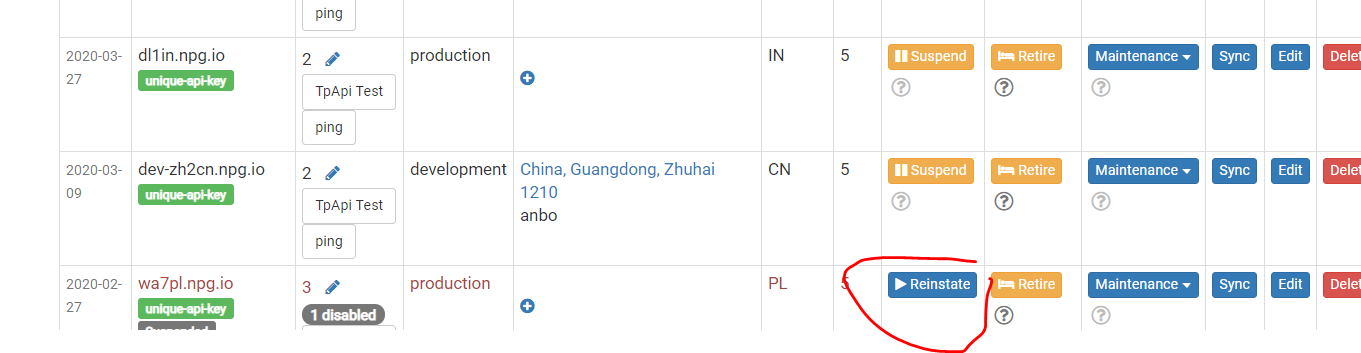
Modify State (Suspend, Reinstate)
Suspend a server when it becomes unreachable. This stops the DaDesktop GUI from verifying the server's status and its desktops.
You can use this feature if a server is unavailable because of a malfunction.
Retiring a Server
To discontinue use of a particular server, you can place it in retirement mode. This will block the creation of new desktops on that server. Existing desktops remain accessible and can be duplicated onto other servers.