Handling Recordings
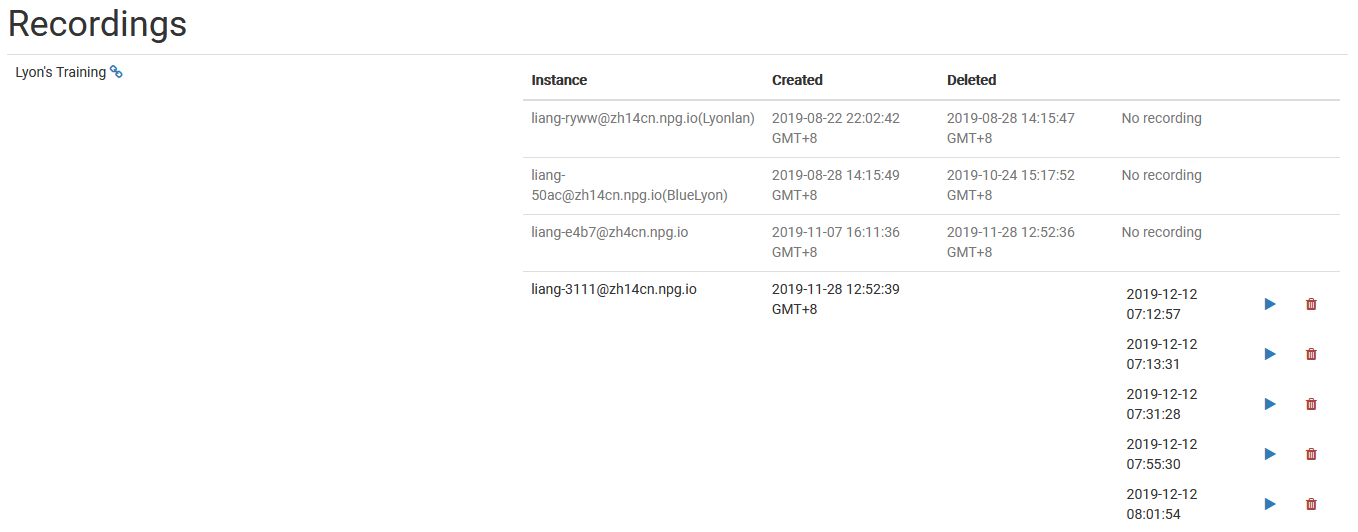
Super Administrators can use the Managing Recordings page to view and manage recordings created in DaDesktop. It serves as a central hub for reviewing available recordings, aiding administrators in keeping recording data organized and clearing out any that are no longer needed.
Recording Administration
On this management page, admins can browse the recording list and check individual details. This makes it simpler to monitor recordings across the platform and carry out maintenance when necessary.
Removing Recordings
When a recording is no longer needed, it can be deleted from the management interface. Clearing out unused recordings helps maintain an organized system and minimizes storage clutter. Only recordings that serve no further purpose should be removed, since deletion is a permanent action meant for final cleanup.